Finish your profile right here and directions for adding your Profile Picture (which appears when you post) is right here.
BroncoSas
Members
-
Joined
-
Last visited
Everything posted by BroncoSas
-
 But the good news, Charles, is that we're finally getting some snow in the Cascades!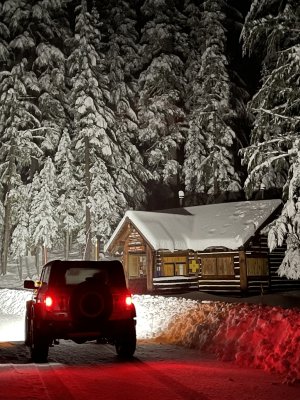
-
The next atmospheric river has now arrived. We're finally getting some snow in the cascades. Check out Tripcheck, Though a few cameras are out.
-
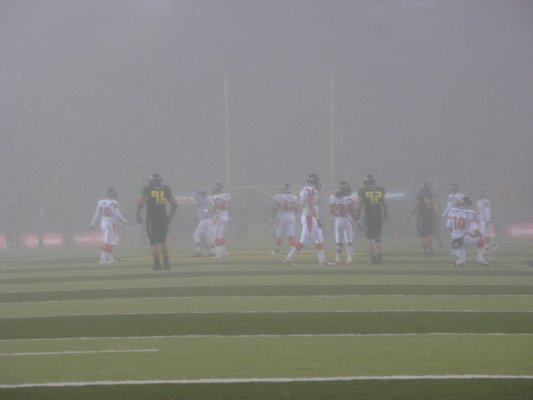
Hopefully Eugene's seasonal fog doesn't make an appearance, like one of our memorable "fog bowl" games. Here's 2005.
-
No, yeah they've worked better for Chris, not so well for Andy!
-
Just think Dilly's play calling was more creative. Often time this season, my youngest who went to the UO, would groan and say "Dudwig" when that sideline pass wouldn't work...
-
I still say Dilly was a better OC than WS.
-
-
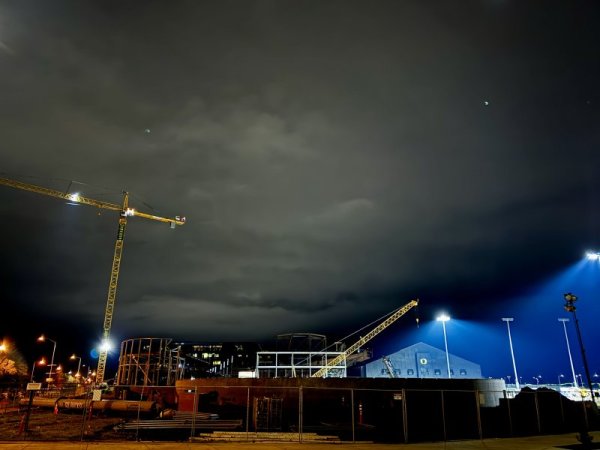
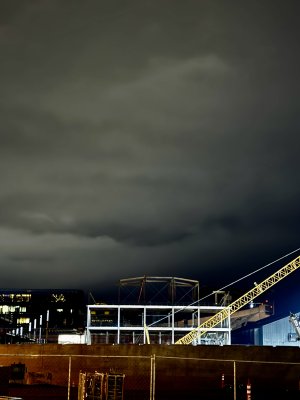
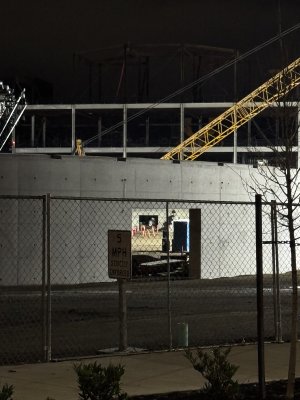
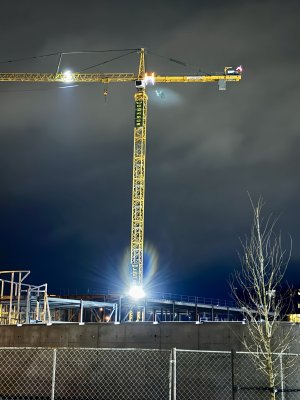
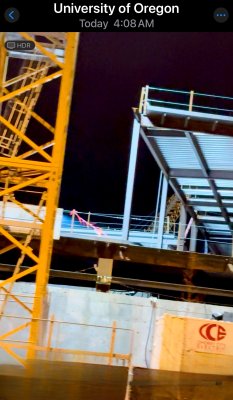
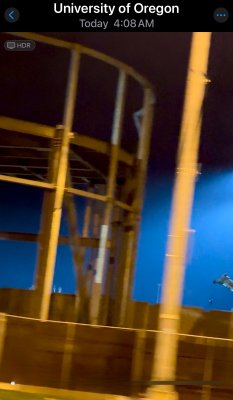
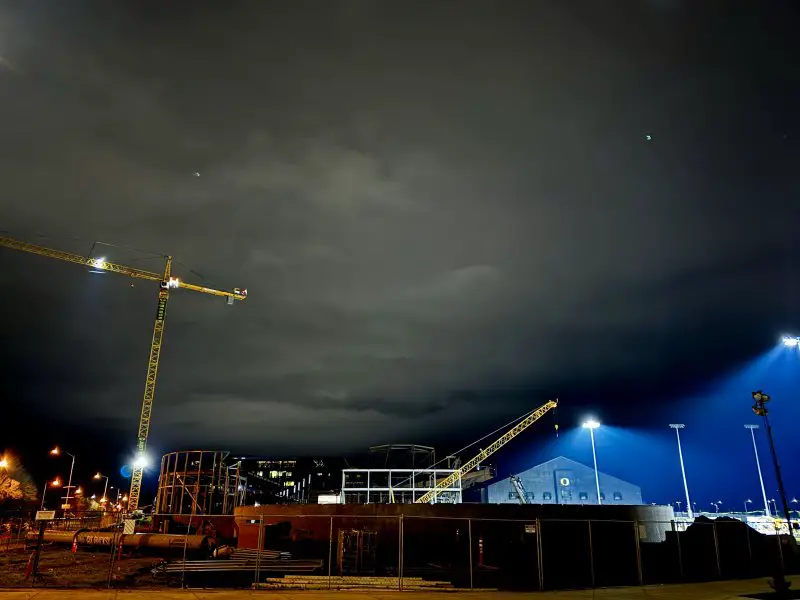
First post. Longtime lurker. For those who maybe don’t get to Eugene often. Some pics from 4:00 AM this morning. (I’m trying to make the vids fit)… It will be seen from space. This, the greatest indoor practice facility in the world. The greatest recruiting tool in the UO football arsenal! IMG_6310.mov